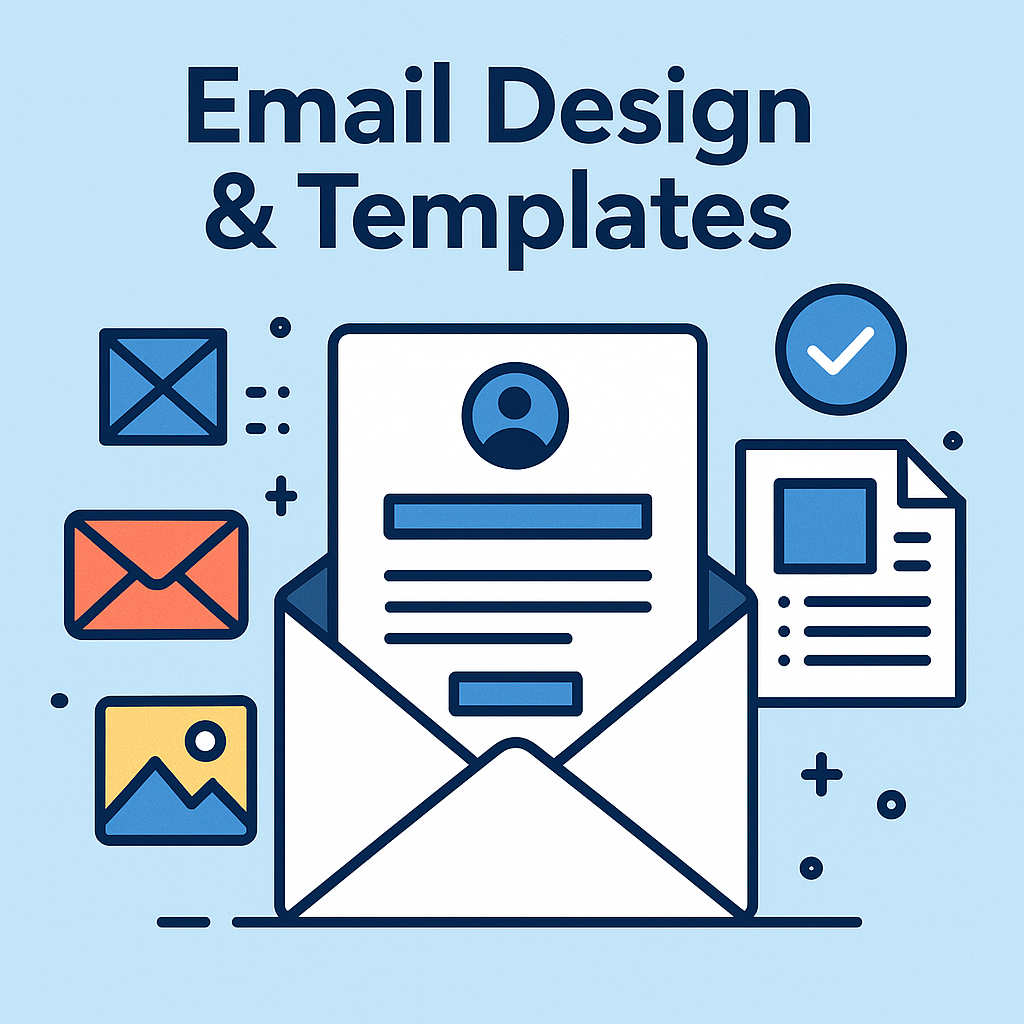
Email Design refers to how your email looks and functions—the layout, colors, fonts, images, buttons, and structure that ensure your content is engaging and easy to read.
Email Templates are pre-designed formats you can reuse to create consistent, visually appealing emails quickly—without starting from scratch every time.
Well-designed emails not only look great but also improve click-through rates (CTR), readability, and conversion rates.
🔹 Key Elements of Effective Email Design
-
Responsive Layout
-
Must work well on both desktop and mobile
-
Use single-column designs for simplicity
-
-
Brand Consistency
-
Use your logo, brand colors, and fonts
-
Consistent tone and style across emails
-
-
Clear Visual Hierarchy
-
Headlines first → body → CTA
-
Use bold text and spacing to guide the eye
-
-
Strong CTA (Call-to-Action)
-
Use buttons or bold links like “Buy Now” or “Download Free Guide”
-
-
Minimal Text with Visual Balance
-
Break long blocks of text into small paragraphs or bullet points
-
Use high-quality images or GIFs sparingly
-
-
Accessibility & Readability
-
Large font (14–16px), good contrast, alt-text for images
-
Don’t rely solely on images to deliver your message
-
🧰 Popular Tools with Ready-Made Email Templates
| Tool | Features |
|---|---|
| MailerLite | Drag-and-drop builder, responsive templates, free plan |
| ConvertKit | Simple, clean templates, focused on content & automation |
| Mailchimp | Large template gallery, branding tools, easy editing |
| Bee Free | Free online email builder with export options |
| Canva | Design custom templates, export as images or HTML |
| Stripo | HTML email builder with pre-made templates & integrations |
📩 Common Email Template Types:
| Template Type | Purpose |
|---|---|
| Welcome Email | Introduce your brand to new subscribers |
| Newsletter | Share updates, tips, or blog content regularly |
| Product Promo | Showcase offers, discounts, or product launches |
| Event Invitation | Promote webinars, events, or launches |
| Thank You Email | After a purchase, sign-up, or download |
| Abandoned Cart | Remind users to complete their purchase |
| Lead Magnet Delivery | Send free guides, checklists, or downloads |
🔹 Email Design Best Practices:
✅ Use a compelling subject line (under 50 characters)
✅ Preview text to support your subject line
✅ Balance images and text (don’t overload with visuals)
✅ Use white space to avoid clutter
✅ Test emails before sending (on mobile & desktop)
✅ Add footer info: contact details, unsubscribe link, social icons